| Post Reply | RetroFed Forum Forum Index » Emulation & ROMs |
| Author | Message | ||
|---|---|---|---|
|
falseprophet
piefed.social
falseprophet@piefed.social Joined: 2025-09-02 |
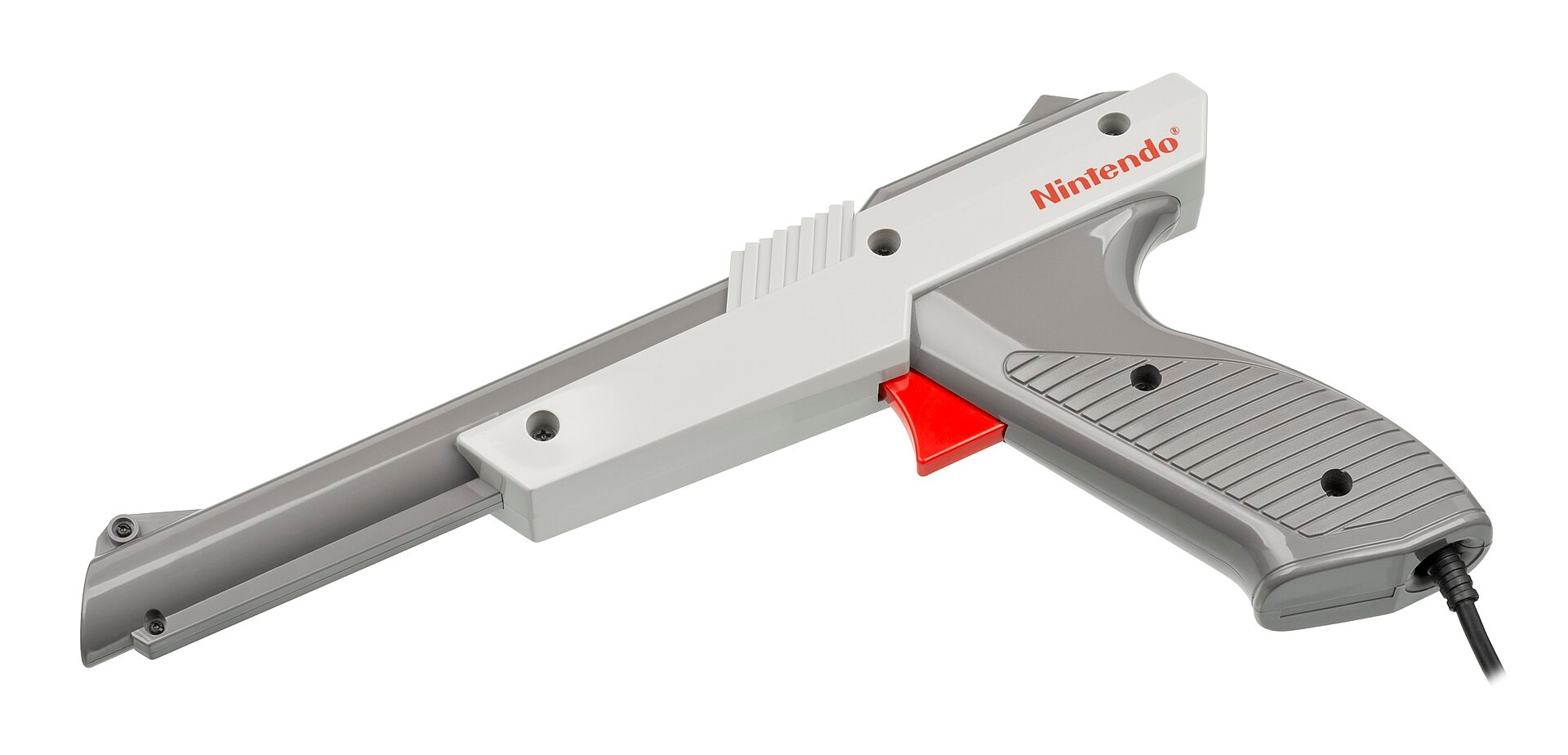
This will be the first of a series of short articles (hopefully) about emulating various accessories and peripherals of consoles and computers. I am starting with the light gun, which used to be a popular device for gaming systems but has become less popular on modern systems because the original technology does not work well with modern screens. But there is nostalgia for it and various attempts to recreate the experience with modern hardware and emulation. Let's have a look at these options, from the cheapest and simplest to more expensive and complex ones. 1. Mouse
Probably the easiest solution is to just use a mouse. Most emulators, if not all emulators, support using a mouse. With this solution, you drag a cursor that has the shape of a target using your computer mouse at the object you want to shoot and click the mouse button to shoot. 2. Touchscreen
The touchscreen solution is similar to that of the mouse, but instead of using a mouse to drag the target to the object you shoot, you just touch the screen with your finger, and you immediately position the target at the position of the finger and trigger a shot. This eliminates dragging the mouse to the target, but you use the finger to touch the screen instead of shooting from a distance. It would be fun if someone could build a touchscreen stylus in the shape of a gun or, even better, a gun-like device that shoots a stylus at the screen and then quickly retracts it. 3. Wii Remote
A more unique option is using a Wii remote. A controller in the shape of a remote control for the Wii gaming console that has a built-in infrared video camera and accelerometers. Pointing the remote at an infrared bar, it can be used similarly to a light gun. The Wii Remote can be easily connected to a computer via Bluetooth, and there is available software that acts as drivers for the device on the computers. There are two ways to simulate a light gun with a Wii remote, with and without a sensor bar. The following options are various commercial light gun products that I have not used personally. 4. GUN4IR The Gun4IR works similarly to the Wii Remote, it uses an infrared camera and a sensor bar to track the movement and move a computer cursor. The movement is very stable and accurate, and the gun comes with vibration motors. But instead of being a complete light gun solution they sell mod kits that allow you to modify any light gun to use infrared technology. 5. AimTrak Light Gun
AimTrak Light Gun is a commercial solution that uses the same technology from the Wii remote infrared camera and sensor bar. 6. Retro Shooter Reaper
While these guns original worked as all the other infrared camera based gun, the newer guns worked somewhat differently. Instead of one sensor bar that can mounted on the top or the bottom of the screen, it uses 4 small sensors mounted on the four corners of the screen, resulting in a very high accuracy according to several reviews I found. 7. Sinden Lightgun
One of the most popular modern light gun solutions is the Sinden Lightgun. This Light gun does not use an infrared camera, instead it uses a high speed camera that tracks a white border that is placed around the game. The accuracy is very high, but there are some reports the software can be a little tricky to configure and calibrated correctly. It costs €92,99 EUR and €139,99 with recoil. Conclusion There are some additional options for light guns, but they all rely on technology already mention above usually using some sort of infrared sensor bar and an infrared camera. Which on to buy depends on how much you want to spend and how much you enjoy light gun games. I like light gun games, but I play them casually and for me a Wii remote and a sensor bar a good enough, and as a bonus a can use them with other games with the dolphin emulator. |
||
| 13 Original | |||


| Post Reply |
Back to top |